

How to verify the integration in your app with the SDK
v2.x
Intro to the Doctor App
The SDK comes with integration verification tool - “Doctor App”. The “Doctor App” is a tool that helps verify the SDK integration in your project by simulating a typical user flow in the application. When the “Doctor app” is enabled, it will pop up as part of the app flow and will guide the developer on simulating a user flow to gather the required information for testing the integration.
The Doctor App’s bundle
The “Doctor App” includes assets that are used for the UI. Those assets are required only for the “Doctor App” usage and are not needed in your app production build. In order minimize the SDK footprint, those assets are loaded dynamically in run time (from v2.1.0). If you run the “Doctor App” on a real device with iOS 14 or above, those assets will be loaded automatically (internet connection is required). However, if you run the “Doctor App” on a simulator or on a real device with iOS 13 or less, you will need to add the PerimeterX.bundle file to your project. You need to remember to remove it from your project before you build and deploy your app to production.
You can get the PerimeterX.bundle file here (please refer to the relevant Mobile SDK version):
2.1.0 and higher - PerimeterX.bundle
You can get the bundle using command line:
How to add the PerimeterX.bundle file to your project
- Download the
PerimeterX.bundle.zipfile from the link above. - Unzip it and drag the
PerimeterX.bundlefile to your project (make sure to link it to relevant targets).
Enable the Doctor App
In order to enable this feature, call the PerimeterX/start(appId:delegate:enableDoctorCheck:completion:) function with the enableDoctorCheck as true. Here is an example:
This feature is for development only and should not be shipped as enabled with the application to the store.
The Doctor App’s flow
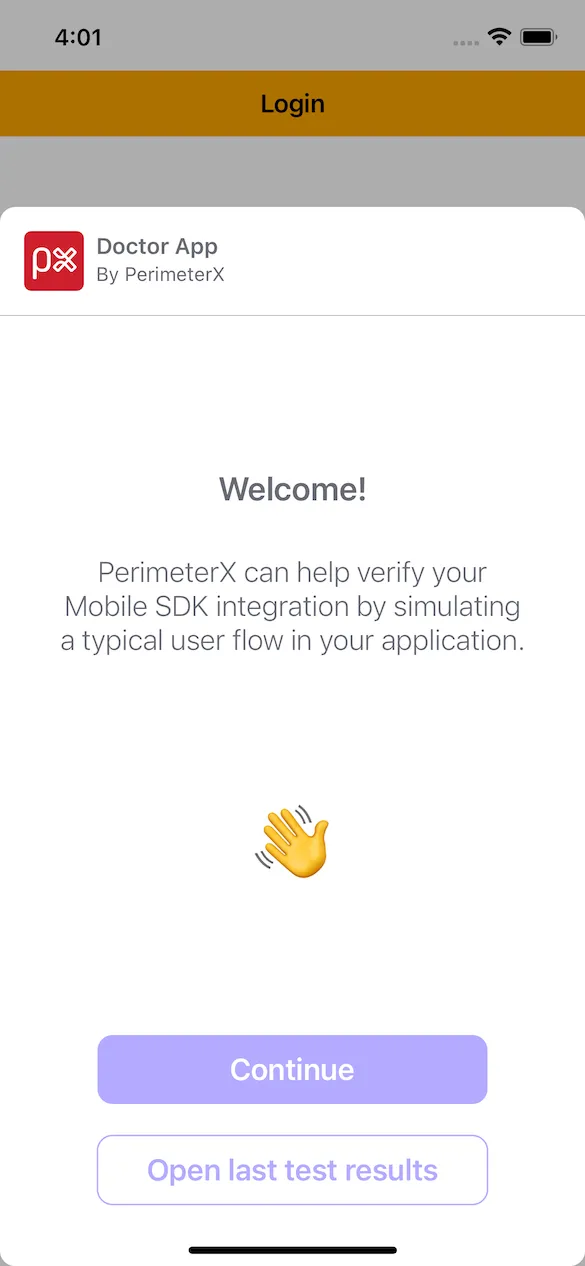
- Welcome screen
In this screen you select whether to start a new test or load the summary of a previous test, if one exists.
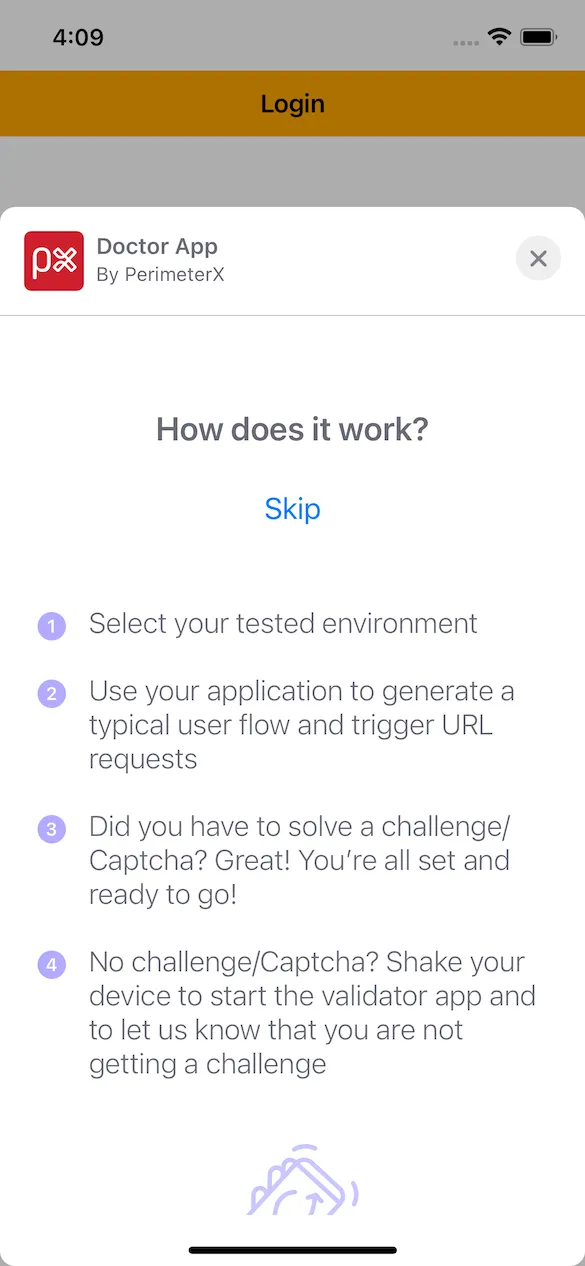
- Instruction screen
In this screen you get a detailed explanation on how to start a new test, what is expected to happen and what you can do in case you are not able to generate a challenge/captcha.
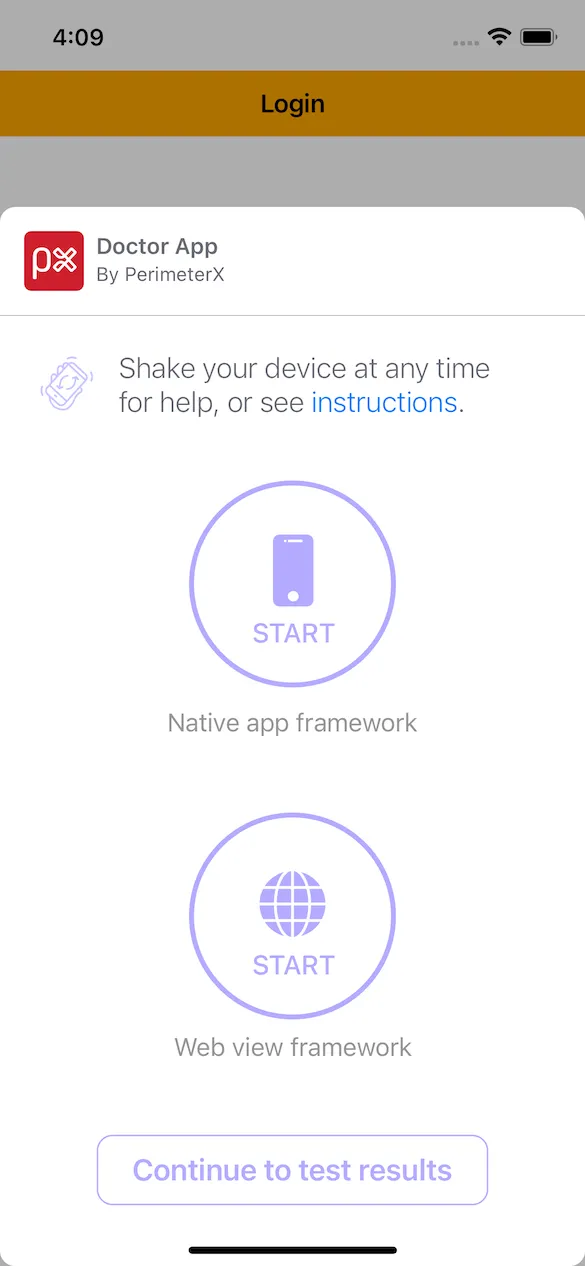
- Test selection screen
In this screen you can select between two different types of tests:- Native app framework - to test your native URL requests.
- Web view framework - to test your web view URL requests.
When you are done executing a test, you will return to this screen to enable you to start the other test.
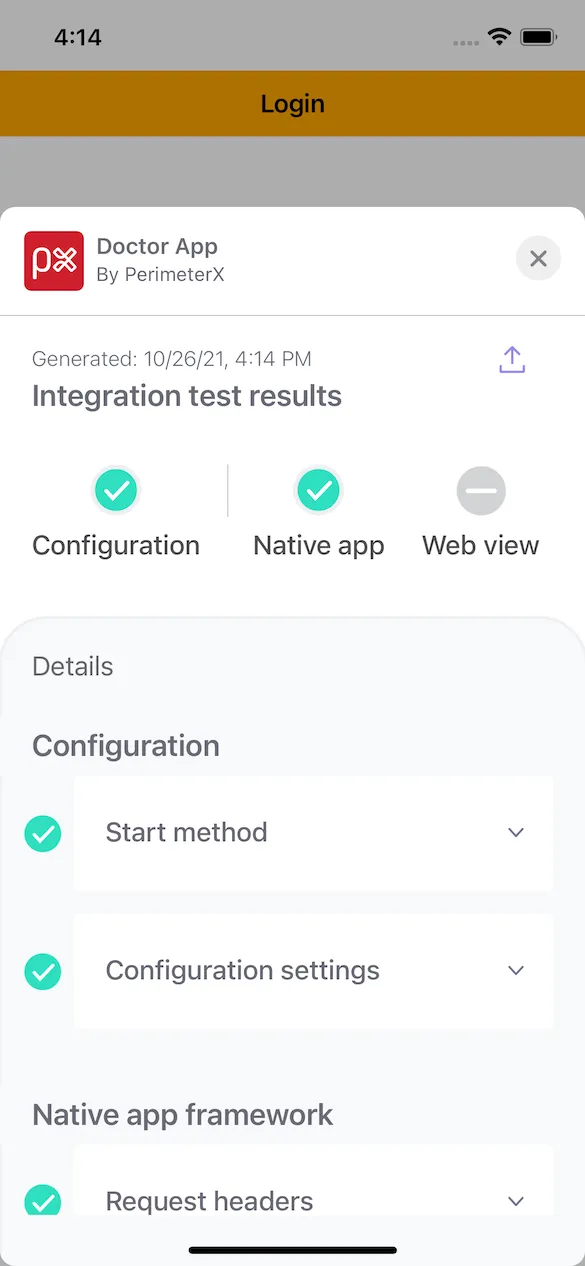
- Summary screen
In this screen you review the test results. You can go into details regarding each test and get troubleshooting tips in case a test failed, to help you analyze what is causing this issue.
When you exit the “Doctor App”, your app is also terminated. Just remember to switch the enableDoctorCheck param to false in case you finished validating your SDK integration.